
Globalize add-on
One post, every language your users read
Globalize adds languages to everything you publish with AnnounceKit: changelog posts, help-center articles, NPS surveys, tours and checklists. Write once in your default language, let AI draft the rest, review, and every visitor sees their own language in the widget and the portal.
Default language always free · AI translation drafts · Trusted by 2,000+ teams
Every product, every language
Globalize is bought once and applies to every AnnounceKit product in your workspace.
Changelog
Per-language titles and bodies for every post; the widget and the changelog page serve the visitor's language and fall back to your default.
Knowledge Base
Each article carries a translation per language with its own SEO fields; the help center redirects by browser language and lets readers switch.
NPS surveys
Question, follow-up and thank-you text per language, so a survey reads naturally wherever it is shown.
Tours and checklists
Step and item copy per language, served by the same language the widget already respects.
How it works
Write once. Draft with AI. Review. Publish.
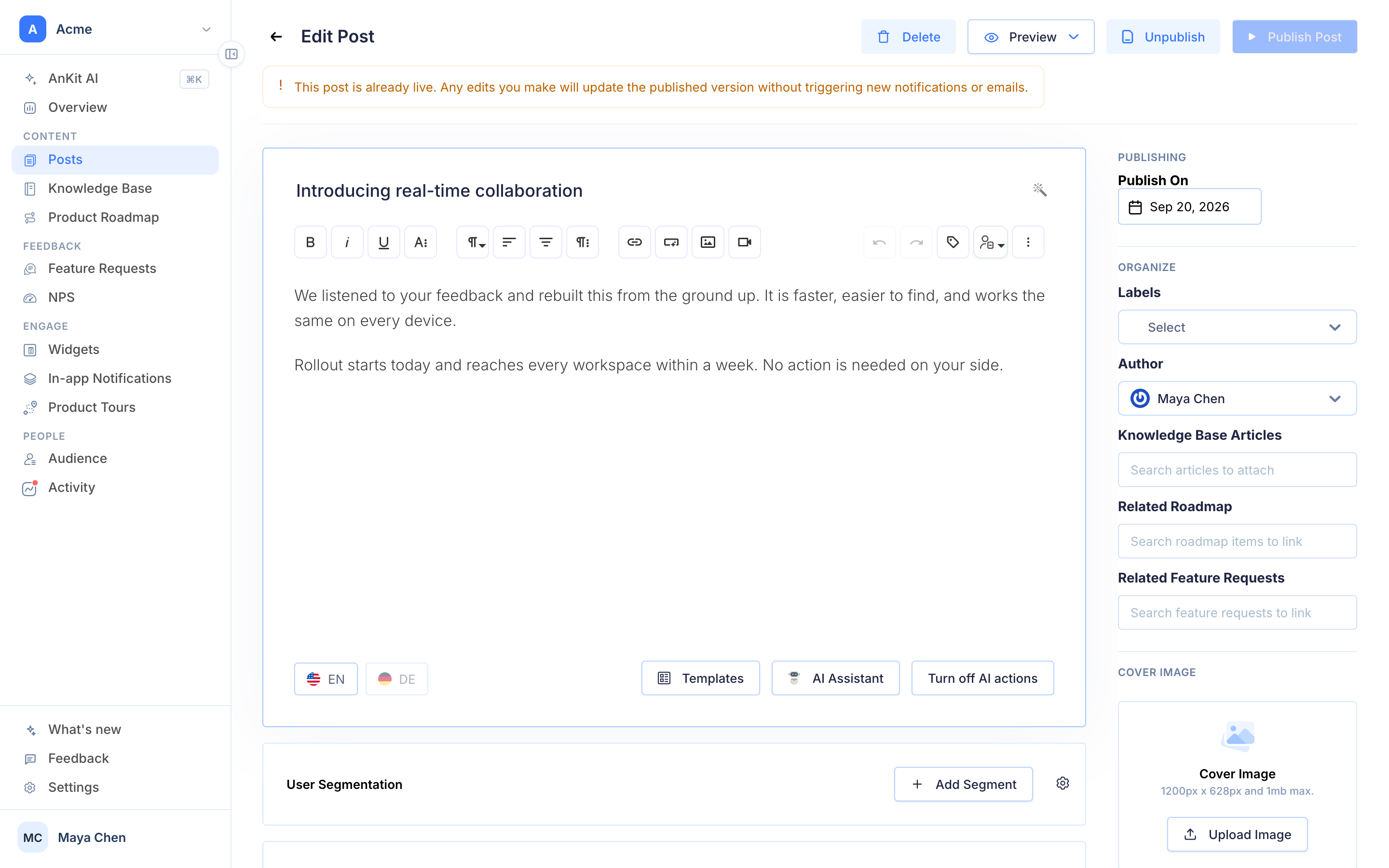
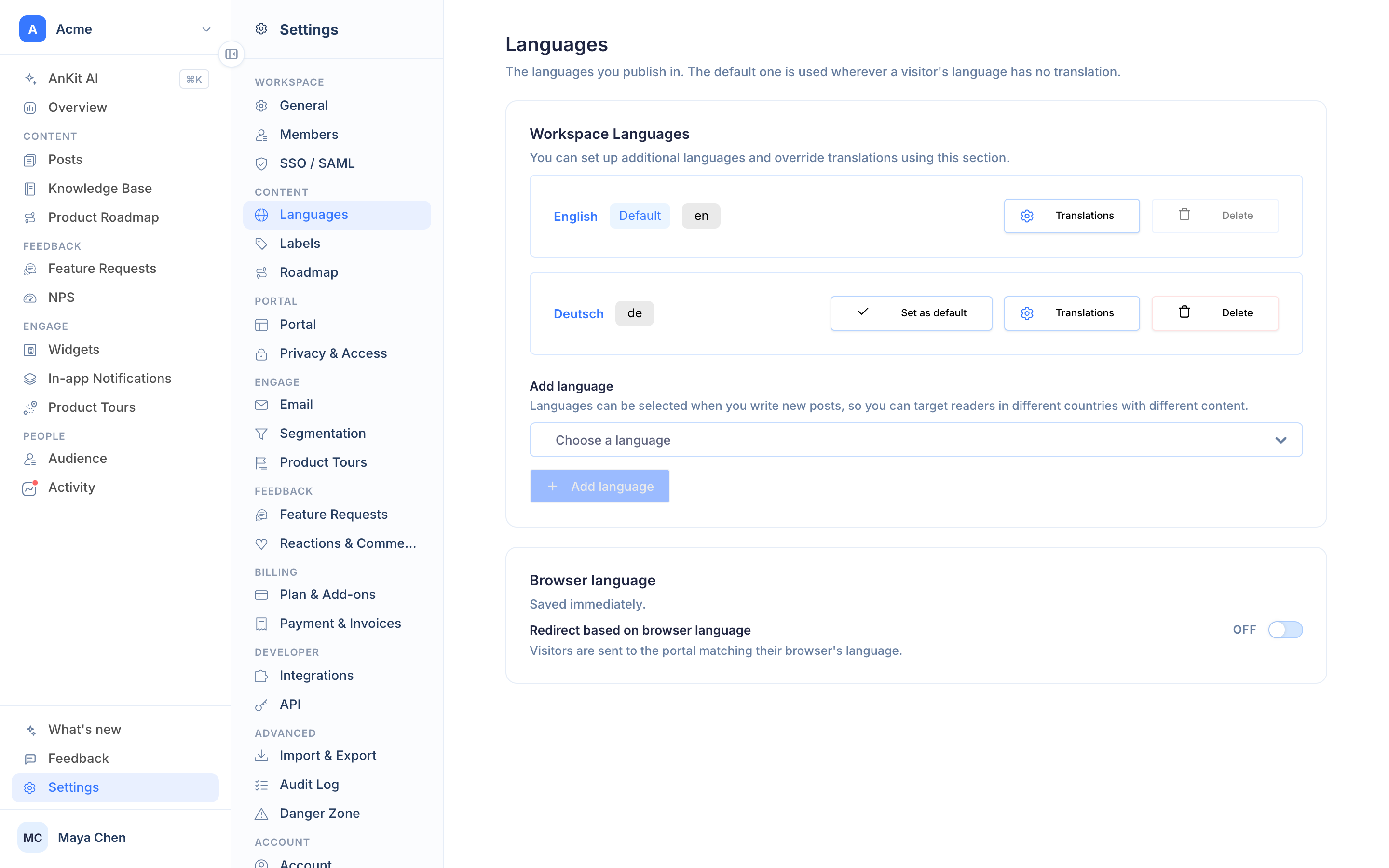
Add the languages you need in Settings › Languages. Every editor then shows a tab per language; AI translation fills the missing ones from your default content, and you edit before publishing. Nothing is shown in a language until you publish it there.
- Language tabs in the post, article, survey and tour editors
- AI translation drafts, per language or all at once
- Publish per language; untranslated content falls back to the default
- Browser-language redirect on the portal, language switcher for readers
Delivery
The widget already knows the language. Now the content matches.
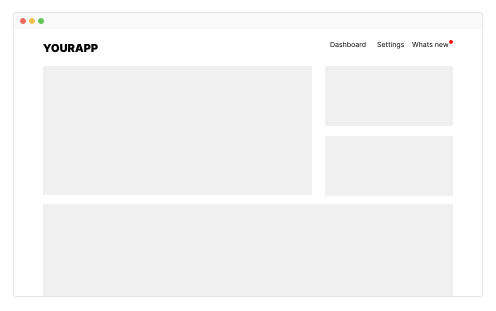
Pass a language when you initialise the widget, or let it follow the browser. Posts, articles and surveys arrive in that language; email notifications and digests follow the subscriber's language too. Segment by language to announce a regional launch only where it applies.
- Widget language from your app or the browser
- Email notifications and digests per subscriber language
- Combine with segmentation for regional announcements
- Right-to-left languages supported in widgets and portal







Frequently asked questions
Which content can I translate with Globalize?
Changelog posts, knowledge base articles, NPS surveys, product tours and checklists, and the portal and widget chrome around them. One add-on covers every AnnounceKit product you own.
How do users get the right language?
The widget follows the language you pass at initialization or the browser language; the portal redirects visitors to their language and lets them switch. A post without a translation falls back to your default language instead of disappearing.
Do I have to translate everything by hand?
No. AI translation drafts every language from your default content in one click; you review and publish. Manual edits per language are always possible.
Is the default language free?
Yes. Every workspace publishes in its default language. Globalize adds the additional languages, for $49 a month or $39 a month billed yearly, across every product.